AI FASHION MODEL GENERATORTurn Clothing Photos Into On-Model Images

Upload a product photo, choose an AI fashion model, and create on-model images for listings, ads, and social content.

Want to try clothes on yourself? Try Virtual Try-On

Upload a garment photo

Use a flat-lay, hanger, mannequin, or product image.

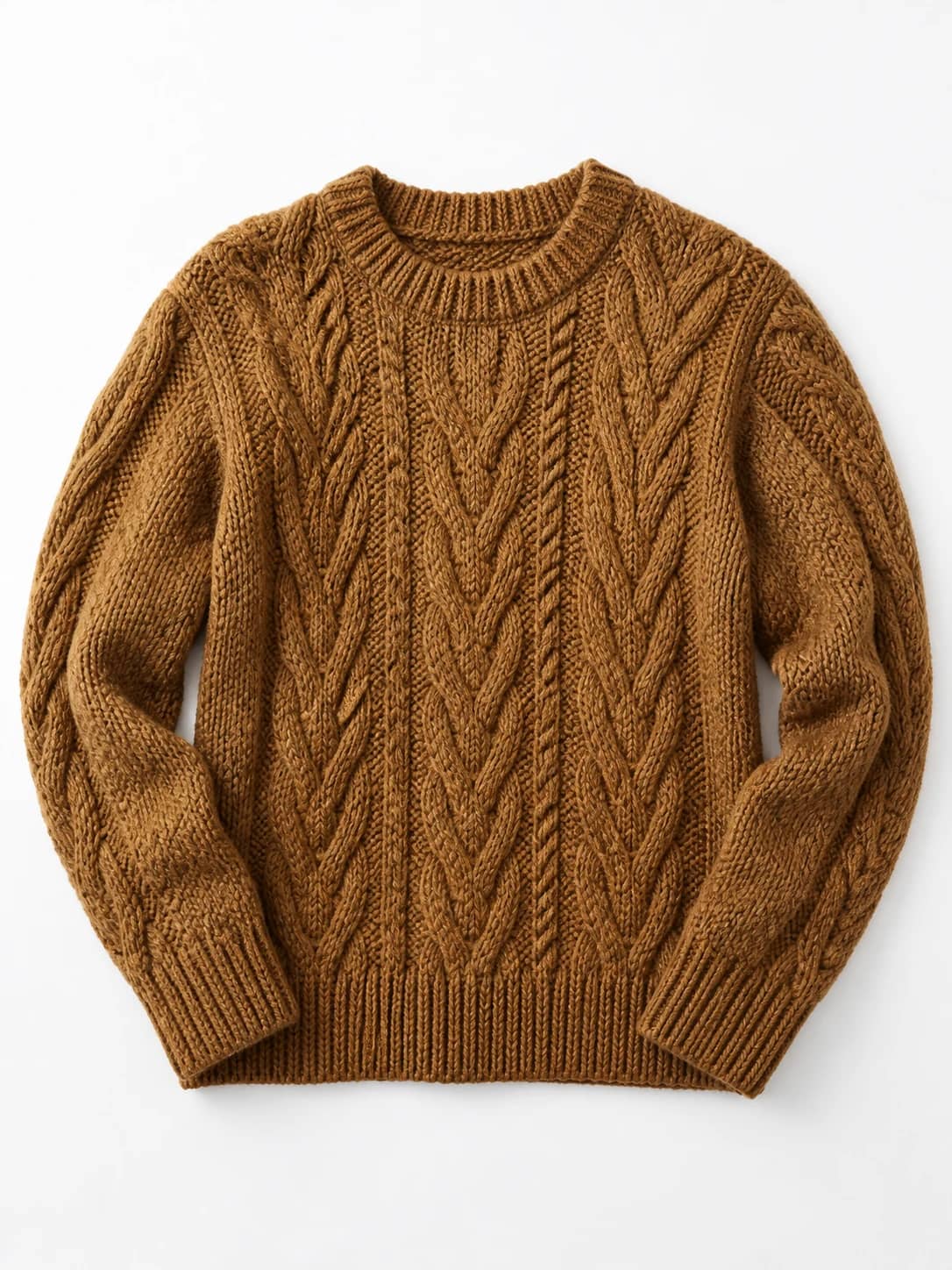
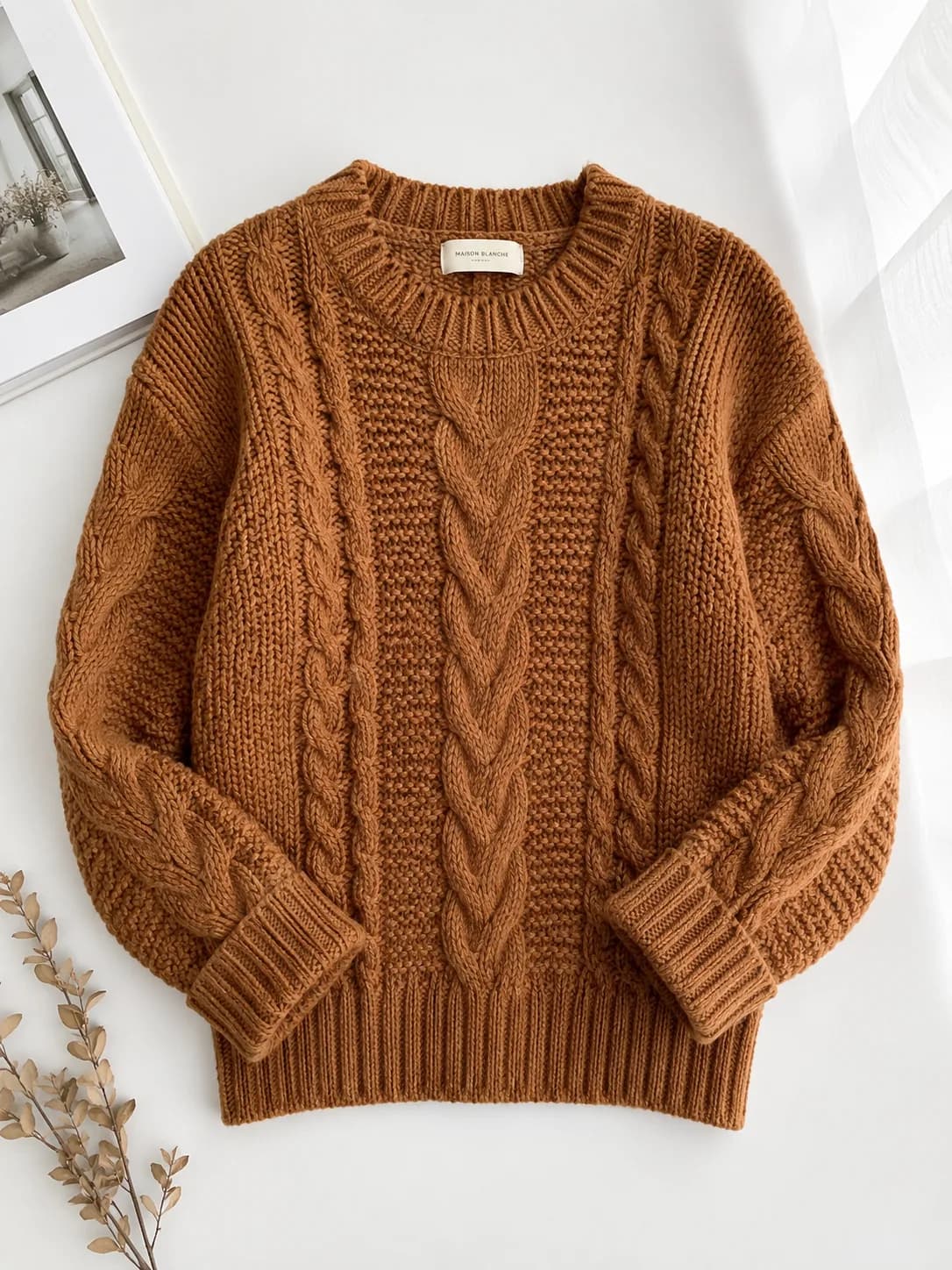
Caramel cable-knit sweater shown as a flat-lay clothing product photo

Cable-knit sweater

Sample garment

JPEG, PNG or WebP · Max 4 MB

Or try a sample garment

Choose a fashion model

Use your own brand model to keep your existing brand look.

Preset models

Selected: Model 1

Styling instructions (optional)

1 image · 1 credit
First generation free after sign-up

Use this tool only for lawful clothing visualization. Upload only images you have the right to use, and get explicit consent from every identifiable person in a model photo you upload. No photos of minors, NSFW, sexually explicit, sexually suggestive, or harmful content. Read the Acceptable Use Policy.

Your garment

Caramel cable-knit sweater shown as a flat-lay clothing product photo

Selected model

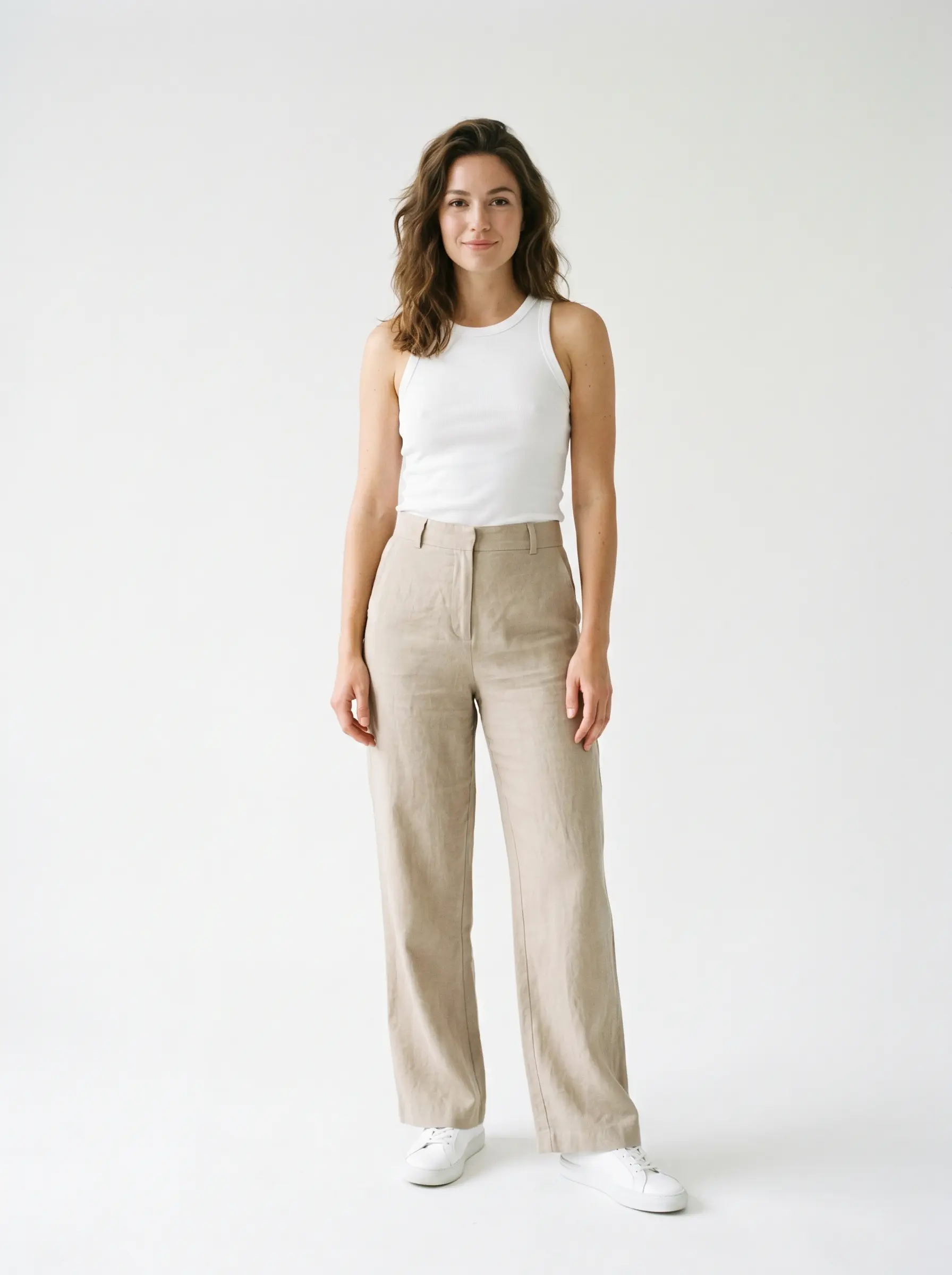
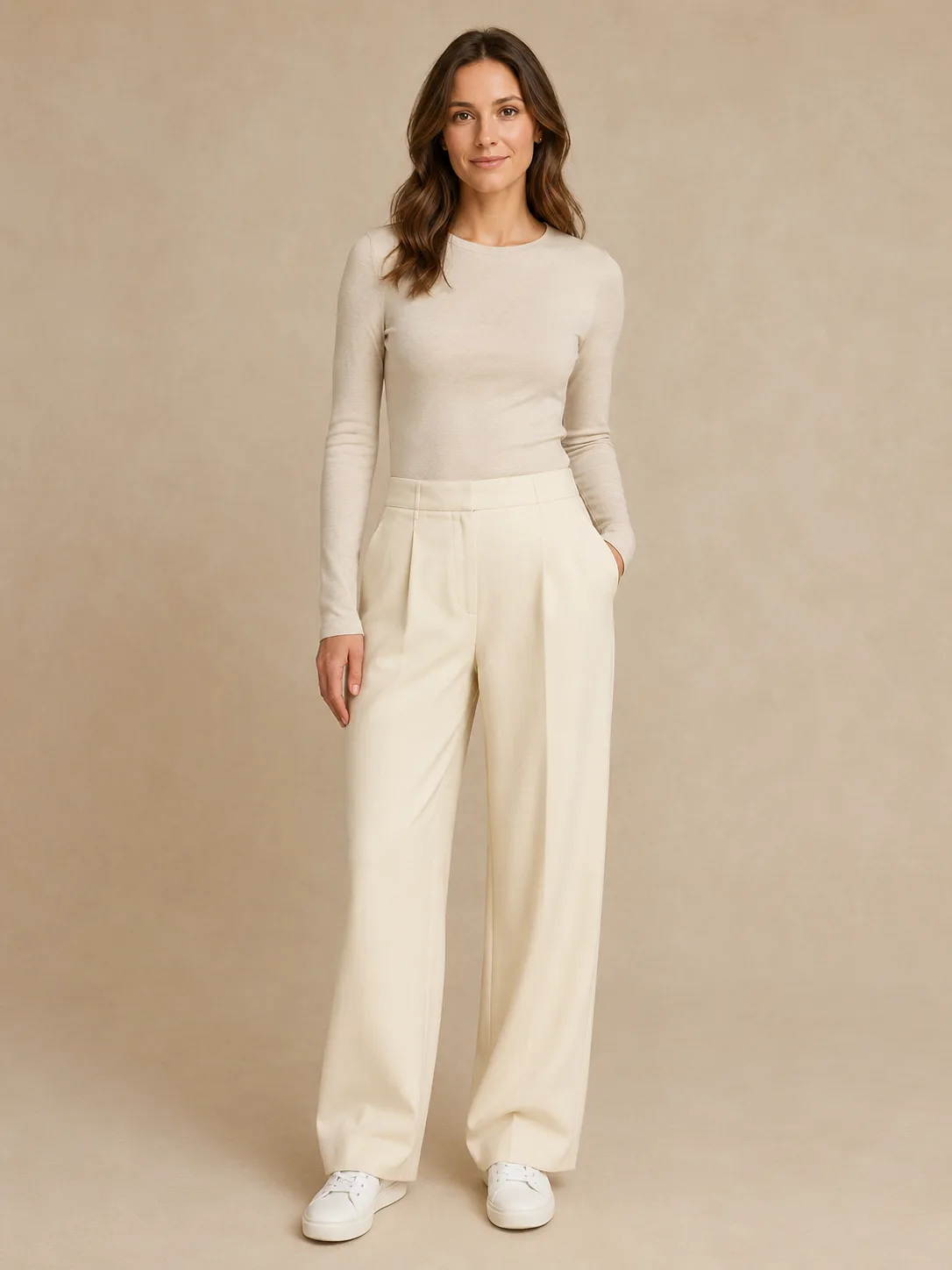
Preset fashion model: woman in a plain white tank top and beige trousers on a neutral studio background

Generated result

Sample result
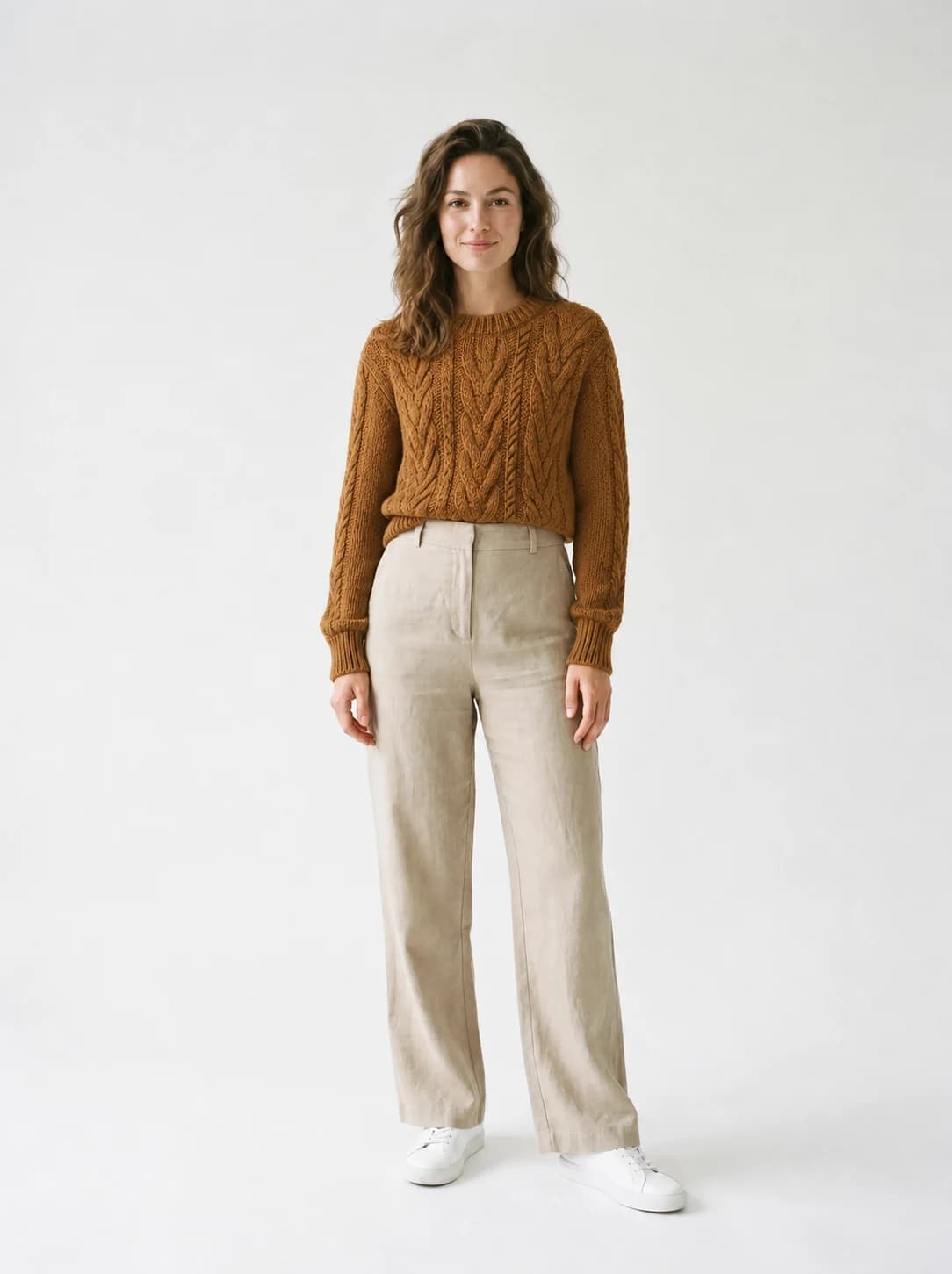
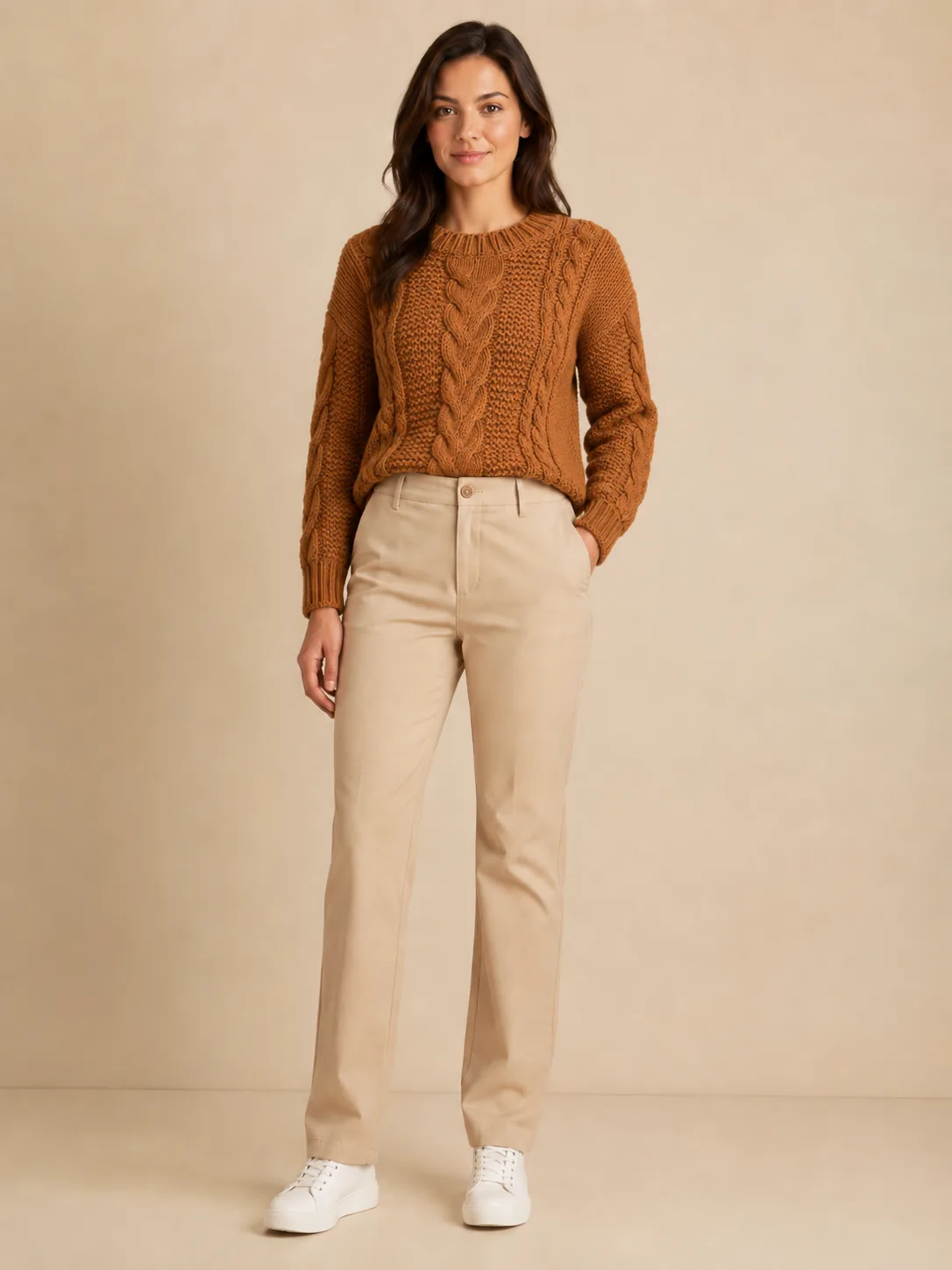
On-model image of Model 1 wearing the caramel cable-knit sweater

Designed to preserve logos, prints, patterns, and garment details. Review each result before publishing.

Real On-Model Results from Product Photos

Each example shows the garment image that went in, the model photo it was placed on, and the AI result — so you can judge print, pattern, and fabric detail before you use it in a listing.

Flat-Lay Sweater to On-Model Photo

A top-down flat lay is the cheapest product photo a store can make, and the hardest to sell from. This turns one into a worn look.

Flat lay inputKnit texture keptListing ready

Unedited output generated from these two photos

Preset model photo used as the on-model base for the knit sweater
Person
Caramel cable-knit sweater shown as a flat-lay product photo
Reference
AI on-model image of the model wearing the caramel cable-knit sweater
Result

Printed Logo Hoodie on a Model

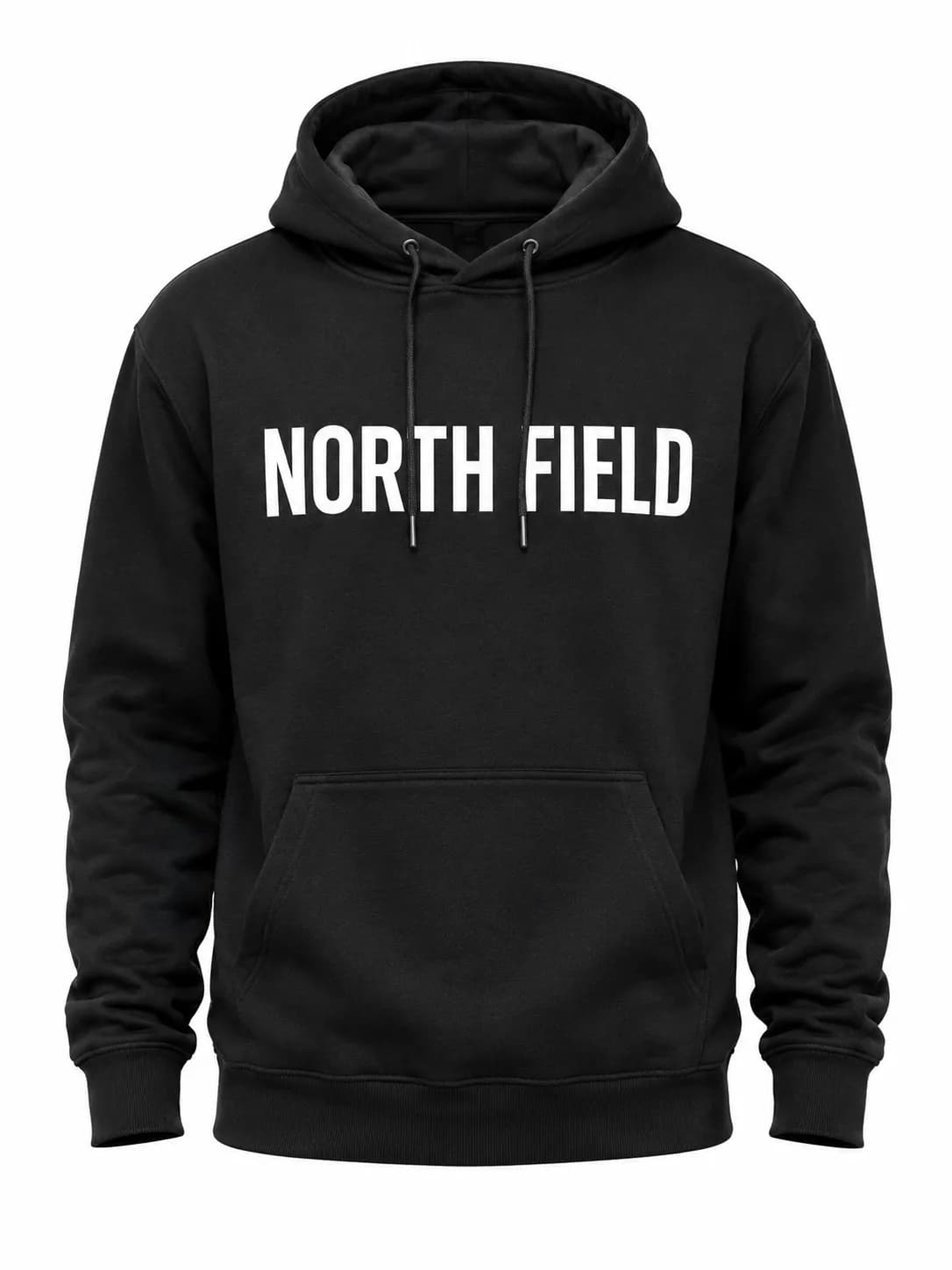
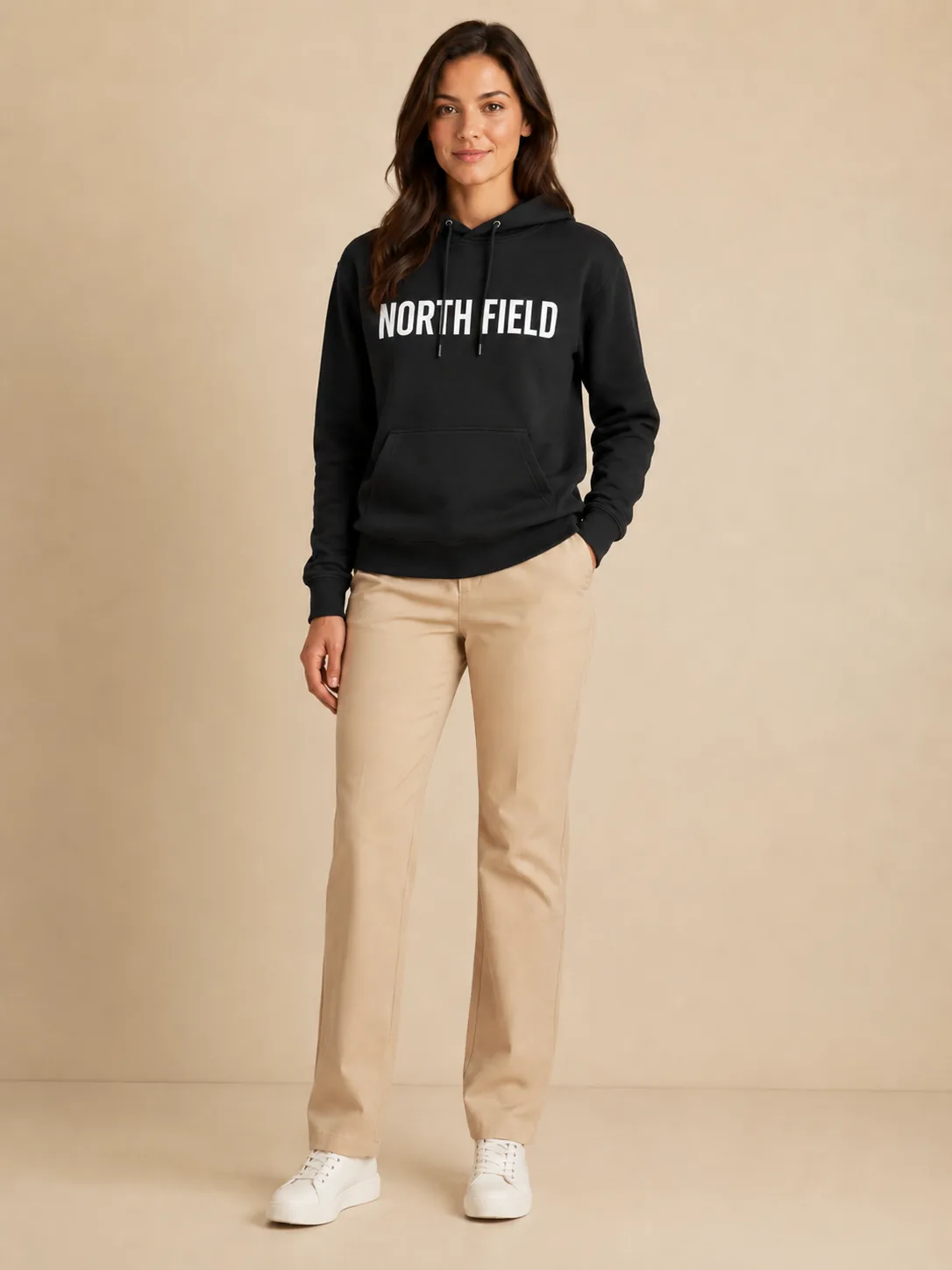
A bold chest print is where AI distortion shows first, and where a shopper looks first. This checks the print survives.

Print readableGhost mannequin inputFace natural

Unedited output generated from these two photos

Preset model photo used as the on-model base for the printed hoodie
Person
Black hooded sweatshirt product photo with a printed chest logo
Reference
AI on-model image of the model wearing the black hoodie with the chest print still readable
Result

Hanger Dress to Catalogue Shot

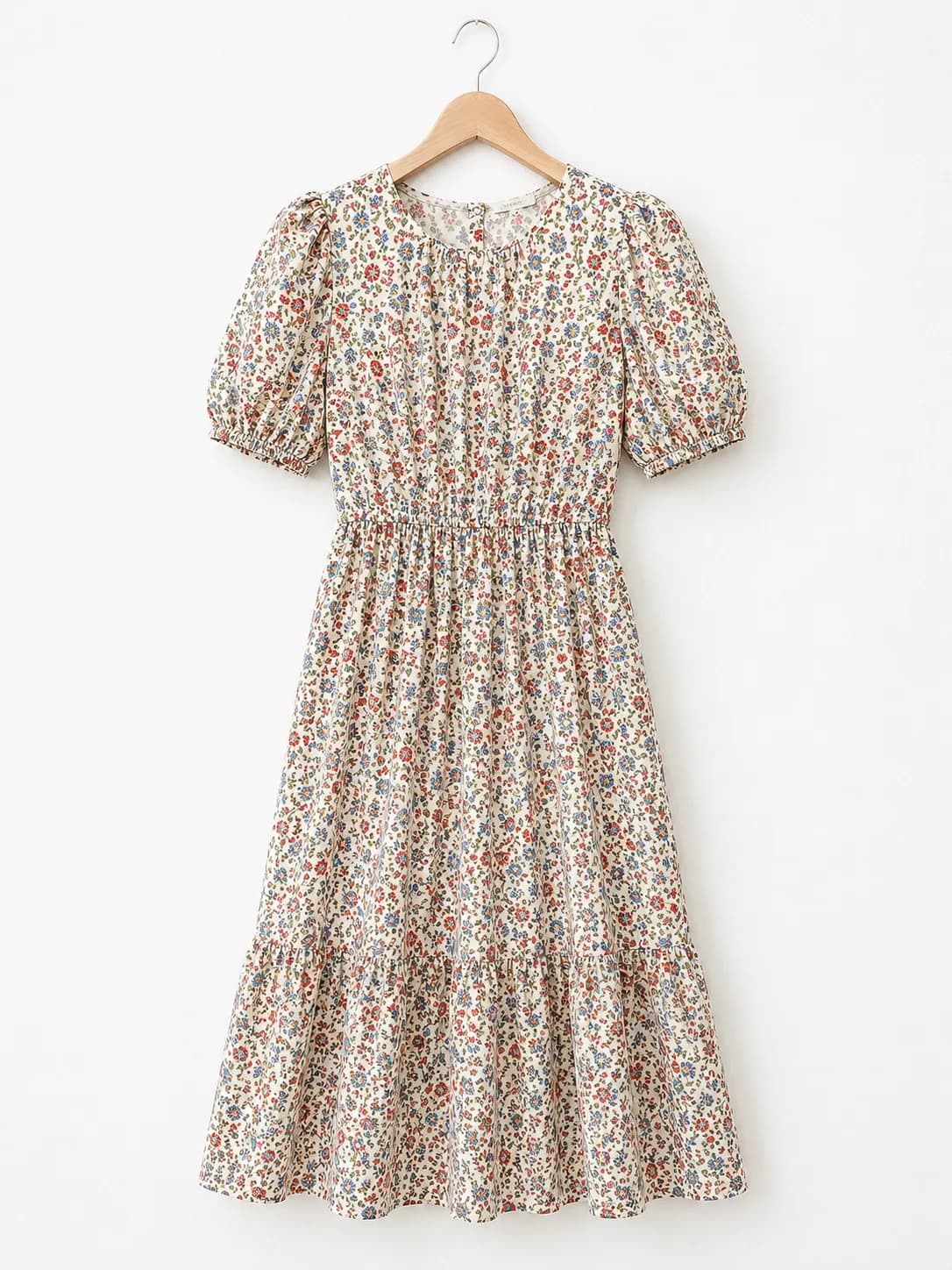
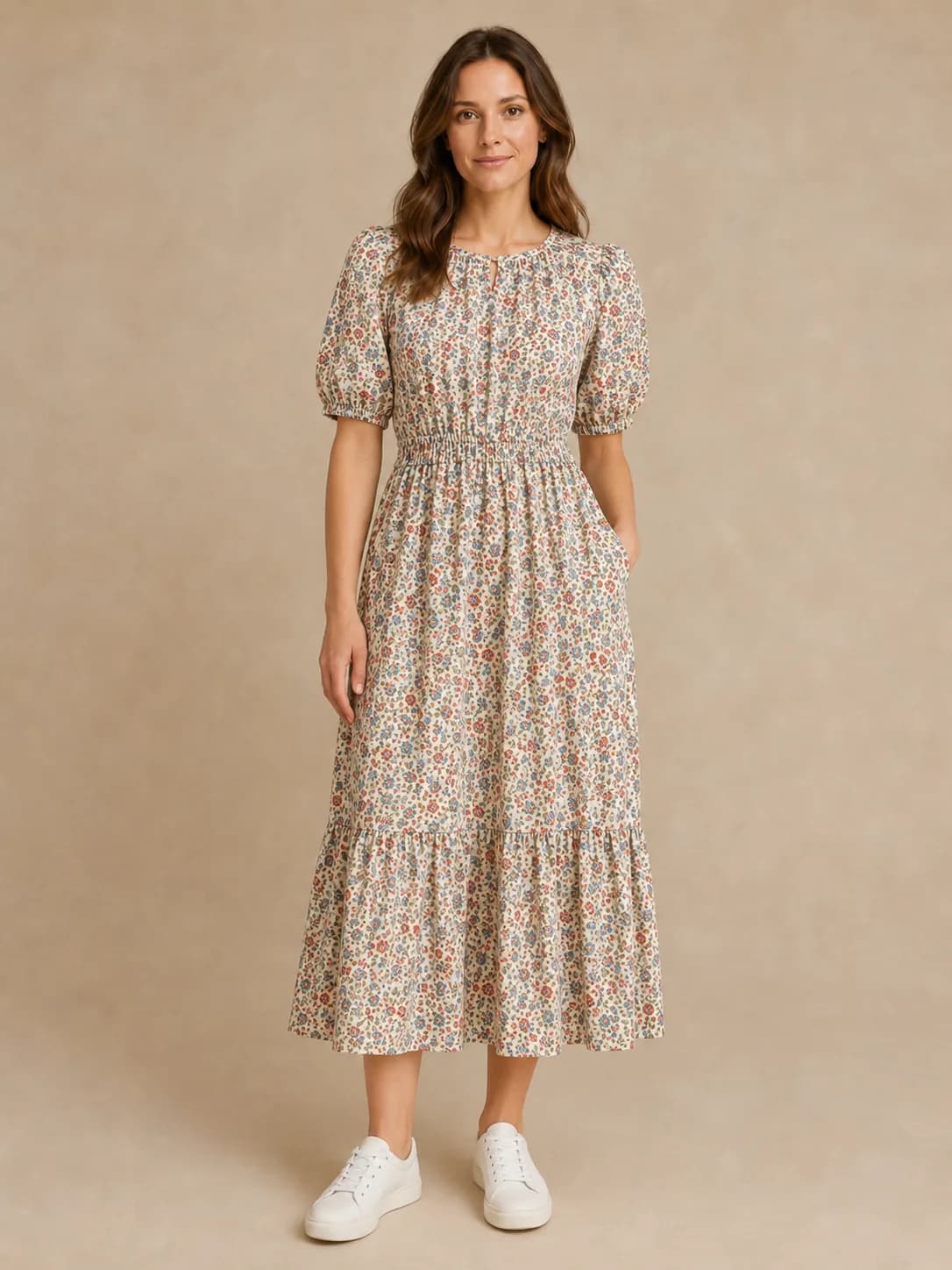
A dense ditsy print on a hanger shot. This checks pattern density and colour balance hold up on a body.

Hanger inputPattern retainedNatural drape

Raw result — no retouching or colour correction

Preset model photo used as the on-model base for the floral dress
Person
Floral midi dress with a dense repeating print photographed on a hanger
Reference
AI on-model image of the model wearing the floral midi dress with the print density preserved
Result

What to review before you publish a listing photo

Generated on-model images are designed to preserve logos, prints, patterns, and garment details — but you are the one publishing them. Check the garment, the model, and the final image before it goes on a product page.

Publish-ready inspection
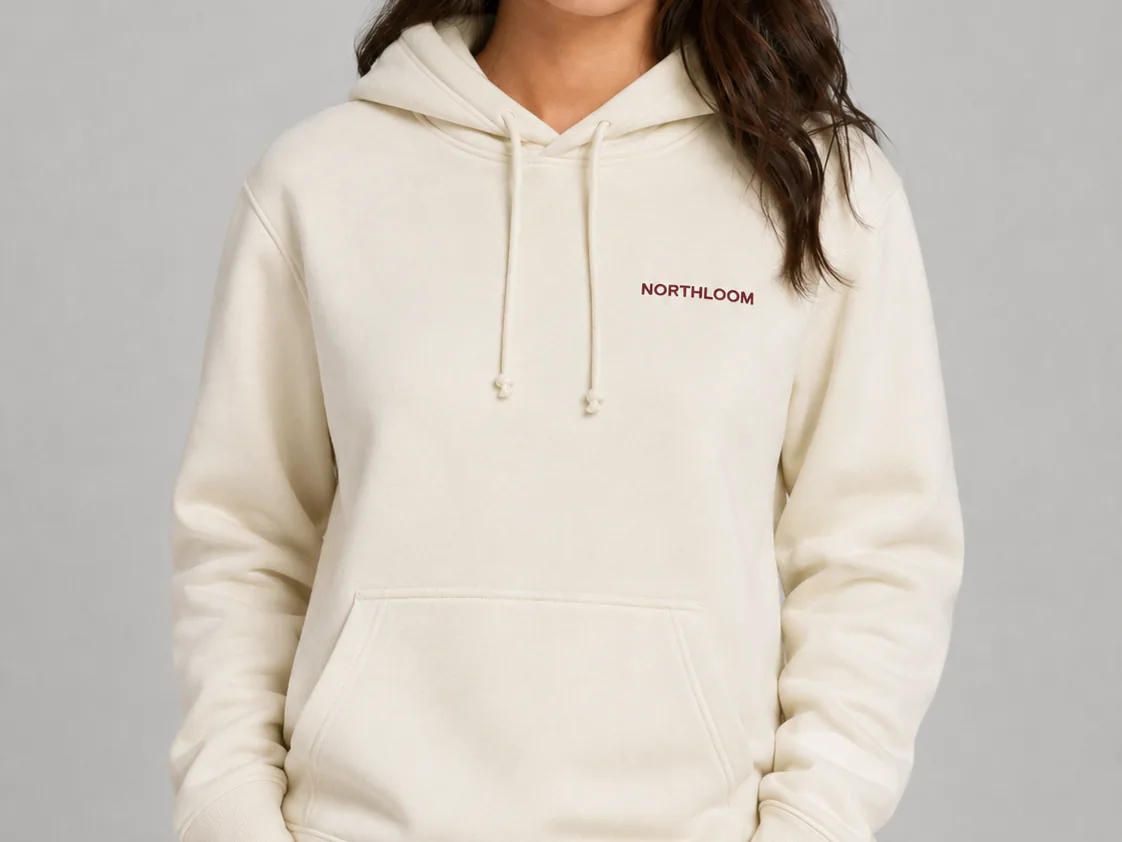
Logo clarity check
Unedited AI try-on output: cream hoodie with the chest logo still sharp and readable
Logo clarity

Logo stays readable

Small logos, printed text, and patterns remain clear after try-on.

Logo readable

Print clarity

Texture retained

Material detail

Lighting matched

Pose and shadows

1. Image fidelity

2. Reference flexibility

3. What you download

How to Put Your Clothes on an AI Fashion Model in 3 Steps

No photoshoot and no model booking. Start from the product photo you already have and download an on-model image.

Flat-lay photo of a caramel cable-knit sweater used as the garment input01Your product photo

Upload your garment photo

A flat-lay, hanger shot, ghost-mannequin image, or a plain product photo all work. One clear, unobstructed garment per image gives the most reliable result.

JPEG, PNG or WebP · up to 4 MB per image

Preset fashion model photo used as the on-model base02Preset or your model

Choose a fashion model

Pick one of the preset models, or upload your own brand model to keep your existing look. Uploaded model photos need consent from the person in them.

3 preset models, or your own model photo

AI-generated on-model image of the model wearing the caramel cable-knit sweater03Real AI output

Generate and download

The AI places the garment on the model while keeping the pose and background natural. Download the image without a watermark and review it before publishing.

1 credit per image · watermark-free download

Generate an on-model photo — first image free

Try the sample garments above, then use your free generation on your own product photo.

Pricing

Choose how many on-model images you need. Every plan runs the same model and includes HD downloads with no watermark.

Sign up and generate one on-model image free before choosing a plan.

Starter

For personal try-on, avatars, and a small batch of content images.

$9.9/ month

100 credits per month

  • HD download, no watermark
  • Commercial use license
  • About $0.10 per image
Most Popular

Creator

For TikTok, Instagram, Xiaohongshu, and ad creative testing.

$19.9/ month

250 credits per month

  • HD download, no watermark
  • Commercial use license
  • About $0.08 per image
  • Email support

Seller

For Shopify, Etsy, Amazon, and independent store product images.

$39.9/ month

580 credits per month

  • HD download, no watermark
  • Commercial use license
  • About $0.07 per image
  • Priority email support
  • 1 credit = 1 image
  • Failed generations automatically return the credit
  • No watermark

Not ready to subscribe?

Best for occasional projects. Pay once, keep credits for 12 months, and subscribe anytime for a lower per-image price.

Auto-renewal: Subscription plans renew automatically at the end of each billing period until you cancel. You can cancel at any time in Settings → Billing; your plan and remaining credits stay available until the end of the current period. One-time credit packs are a single payment and do not renew.

Refunds: If you have consumed no credits from a purchase, you may request a full refund within 7 days at support@aiclotheschanger.io. Credits that have already been consumed are non-refundable.

Terms of ServicePrivacy PolicyAcceptable Use Policy

AI Fashion Model Generator, Answered

What the tool does with a garment photo, which images work, how models are chosen, and how your uploads are handled.

Ready to try it? Upload a garment photo above.

Generate an on-model photo

It is an online tool that takes a clothing product image and generates a photo of that garment worn by a fashion model. You upload the garment photo, choose a model, and get an on-model image you can use in listings, ads, and social content — without booking a model or a studio.